Back to Help Center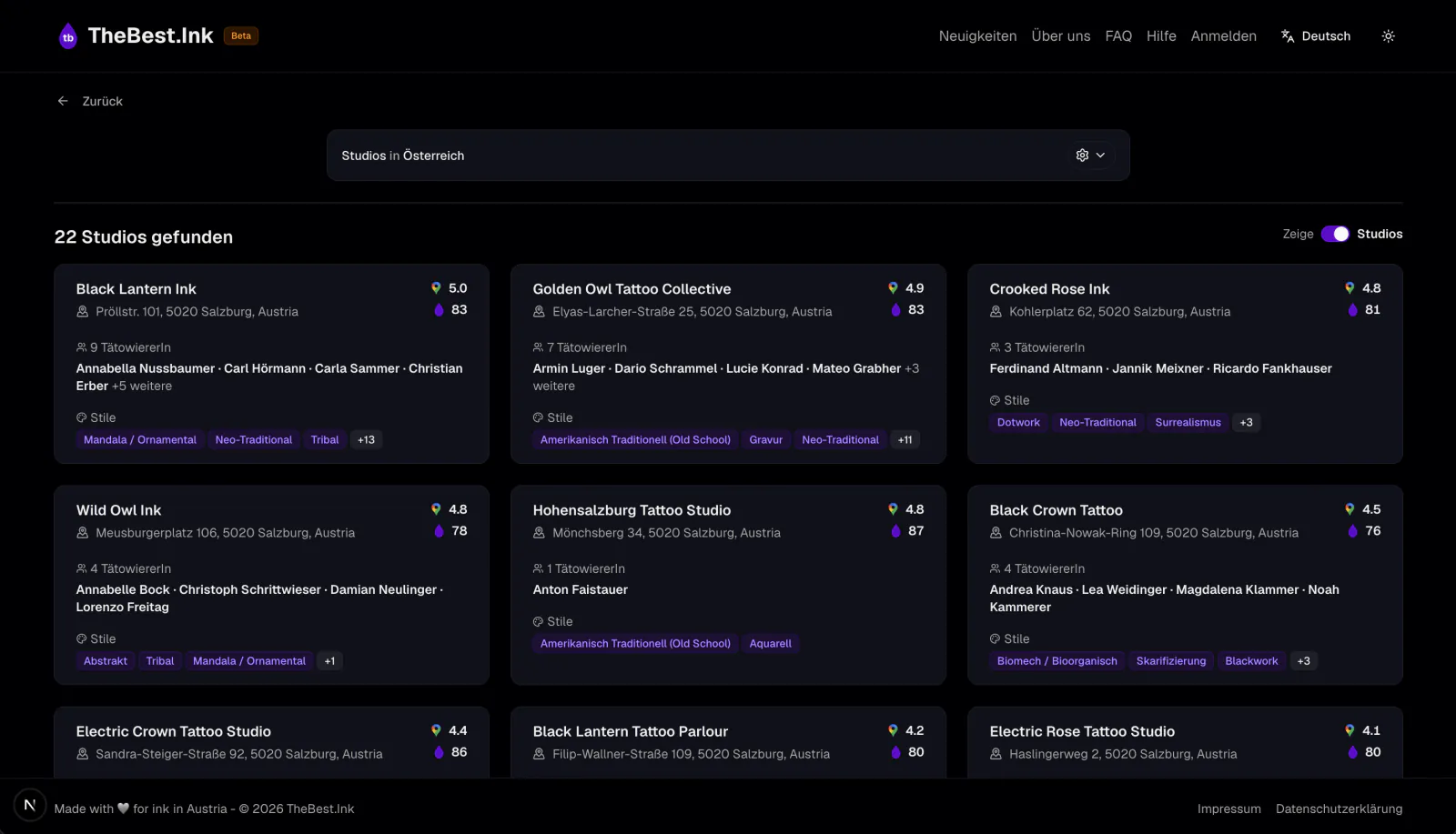
How to claim your artist profile
Two ways to verify: by email or with your Instagram bio
Claiming your profile lets you edit your information, add your portfolio, and receive appointment requests. Choose the method that fits you.
Claim via email
Use this if you have an email address on the same domain as your studio website.
1
Find your profile
Search for your name or studio on TheBest.Ink and open your profile page.
2
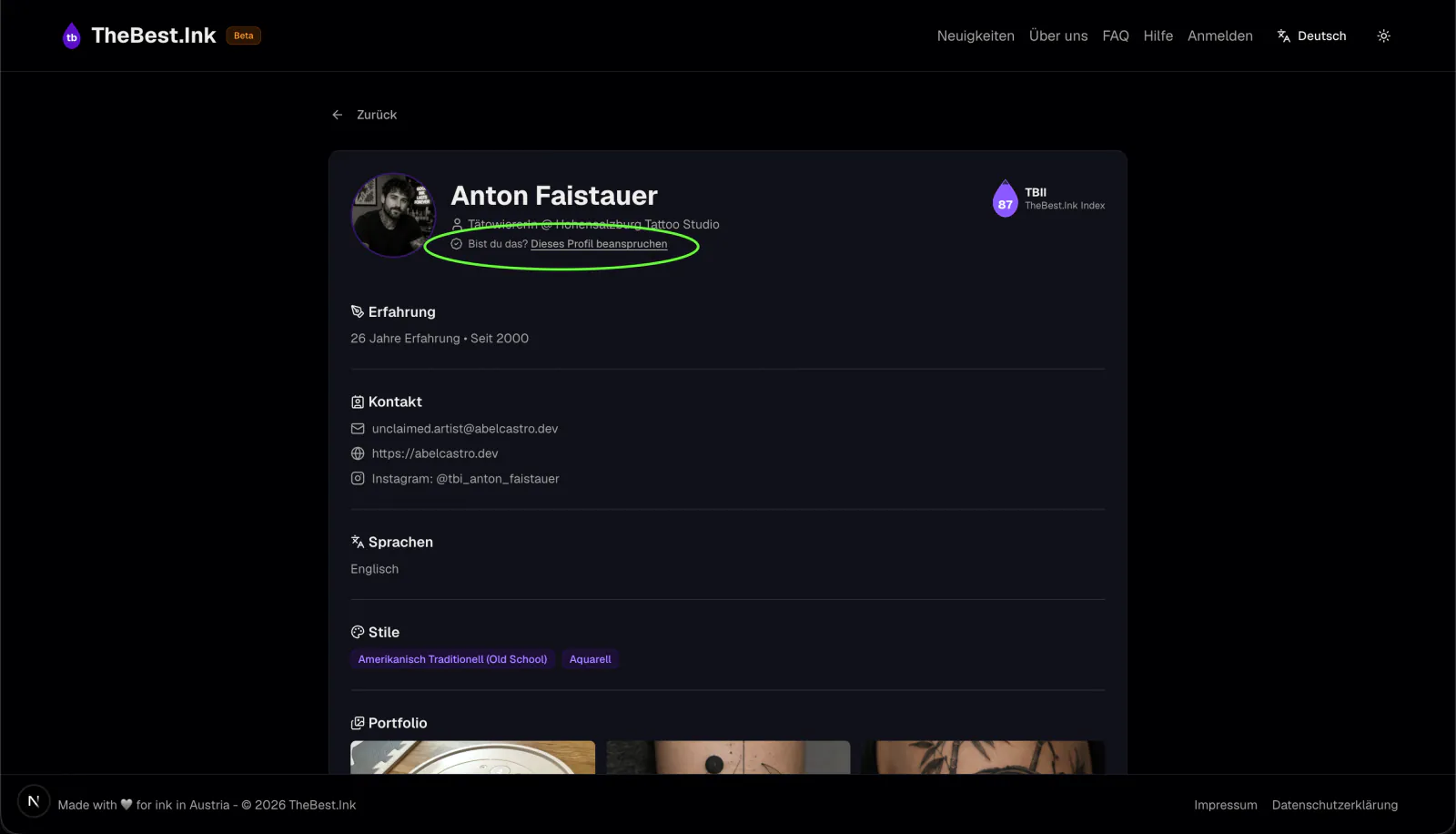
Start the claim
On your profile, select "Claim this profile".
3
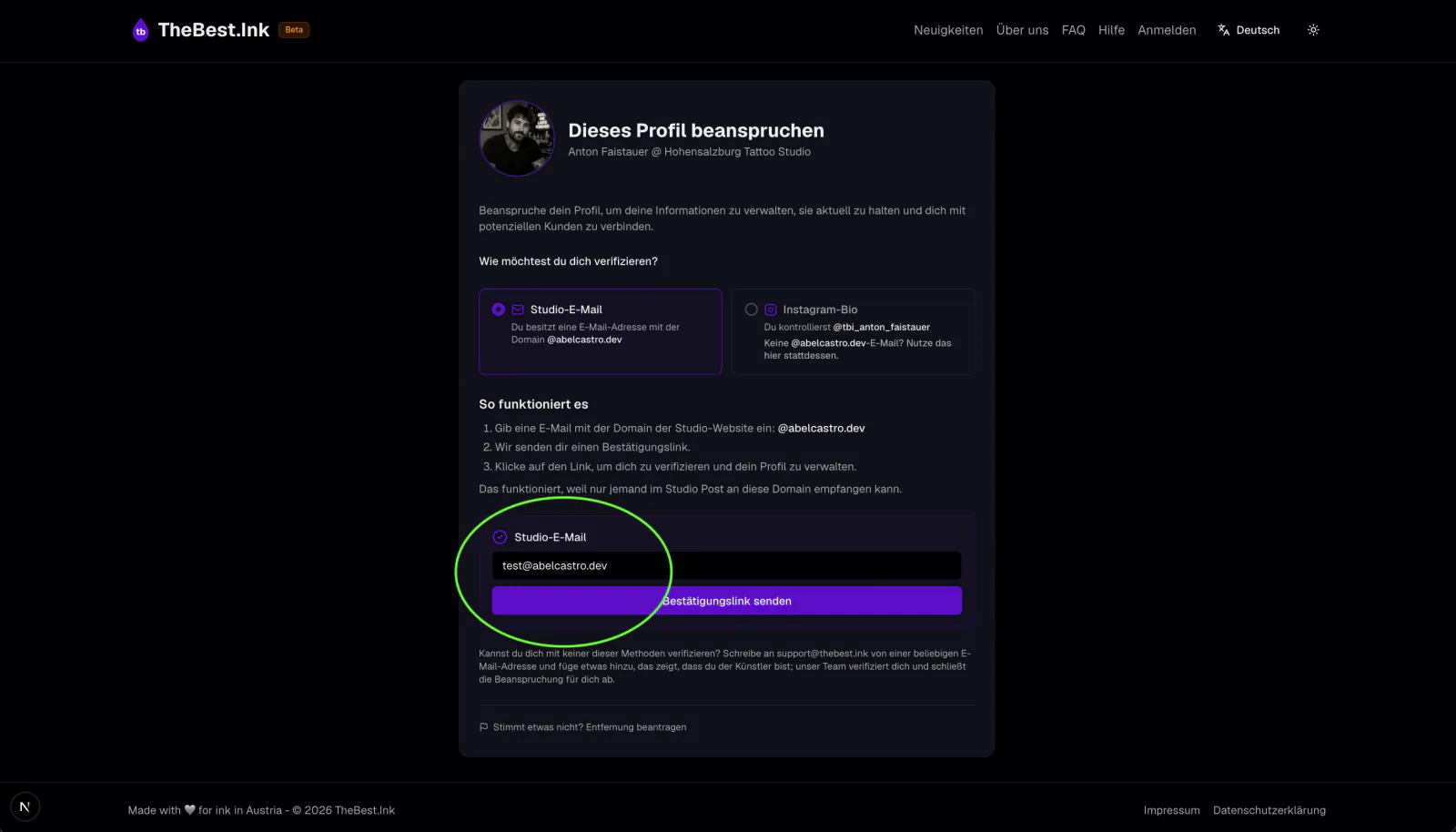
Enter your studio email
Enter an email address on the domain of your studio website and select "Send confirmation link".
The email must use the same domain as the studio website saved on the profile. Without an email on that domain, email verification is not possible; use the Instagram method instead.
4
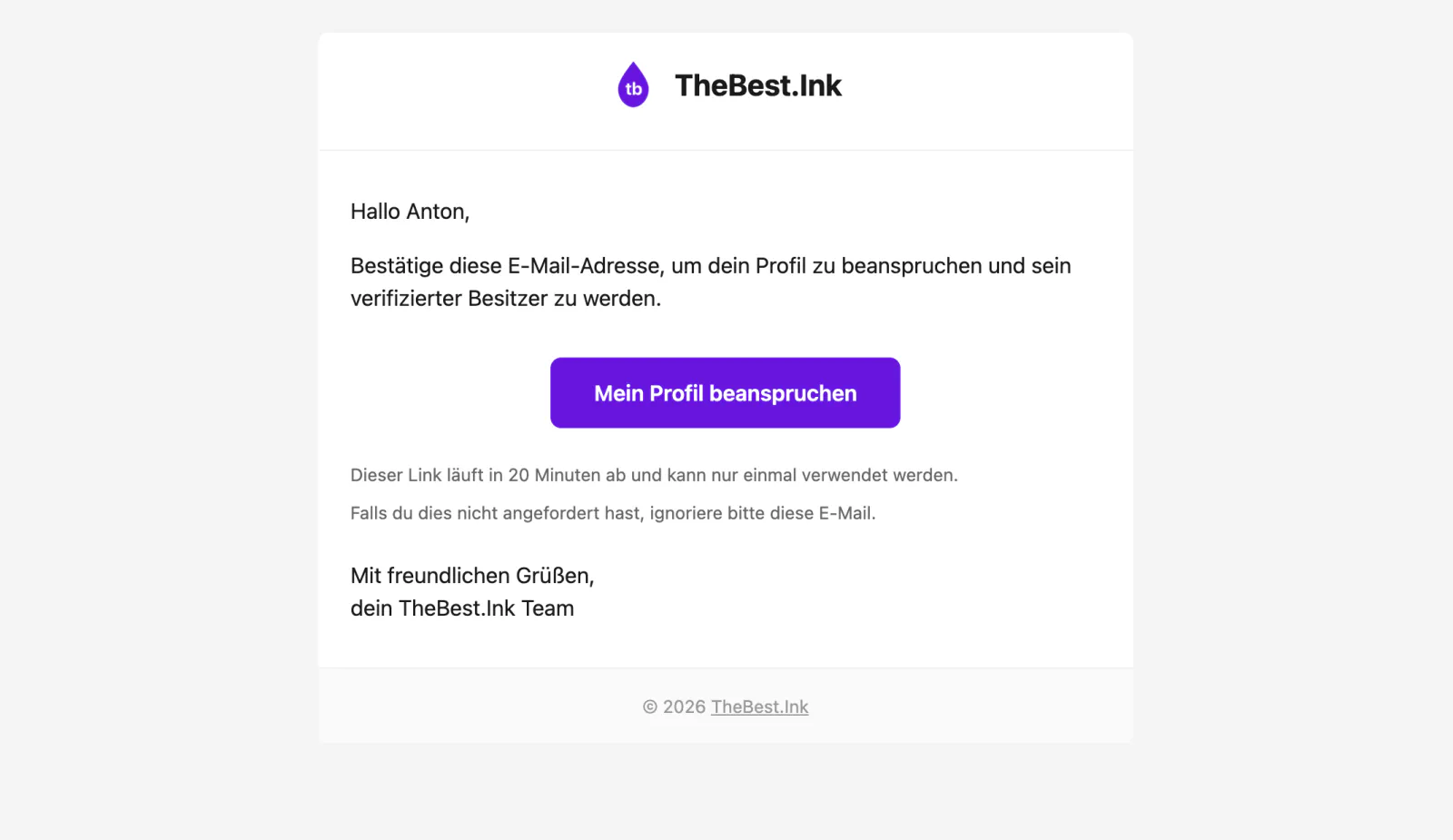
Check your inbox
We send you an email to confirm the address. Open the email and select "Claim my profile".
5
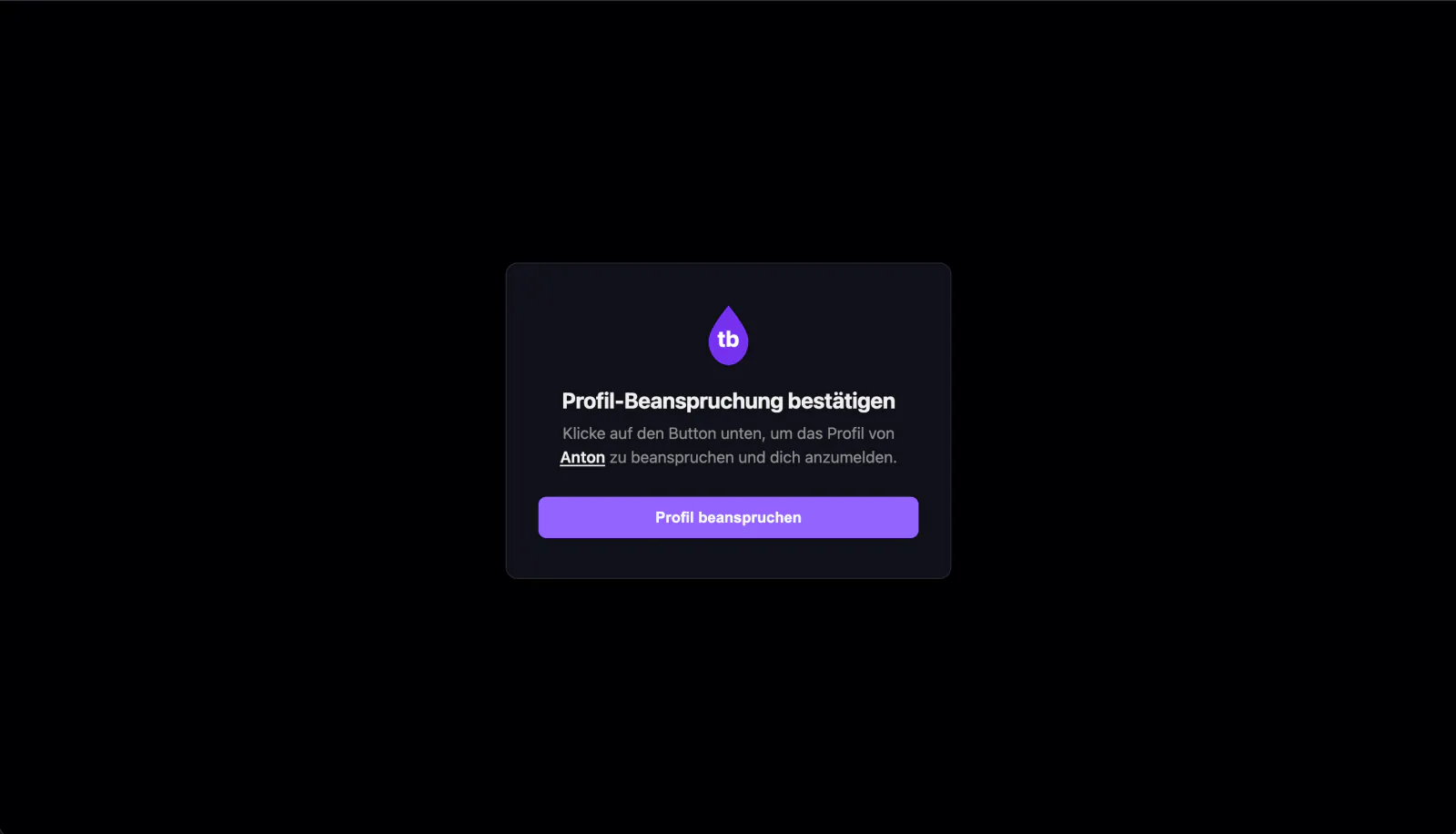
Confirm and sign in
Select "Claim profile" on the page that opens.
6
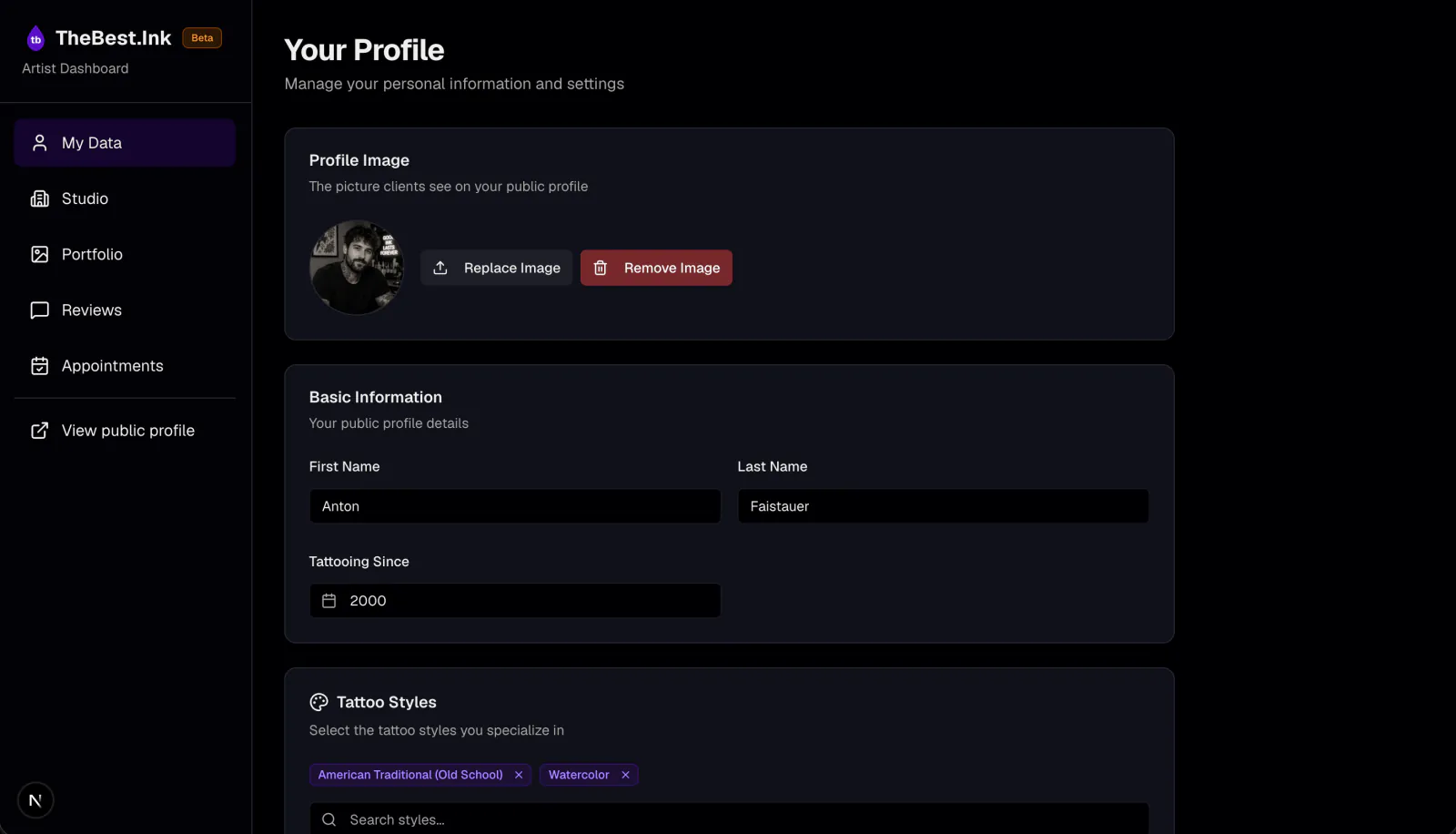
You are in your dashboard
You are now signed in and can manage your profile.
Something not working? Contact us and we will help you at support@thebest.ink